Tools & Trends
Aug 14, 2026
Payment Link vs Invoice: Which Should You Send a Client?
Both get you paid. They're not interchangeable. Here's how to pick the right one every time.

A client says "send me your payment details" and you freeze for a second. Do you send a link? Do you draw up an invoice? Most creators default to whichever one they used last, not whichever one actually fits the job.
That guesswork costs you. Send a payment link when a client expects a formal invoice for their records, and you look unprepared. Send an invoice for a five-minute Instagram promo, and you've turned a simple transaction into paperwork nobody asked for.
Here's the actual difference, and a clear way to decide between them going forward.
The Core Difference
A payment link is built for speed. You generate it, share it, the client pays, done. There's no back-and-forth, no line-item breakdown, no formal document trail beyond a transaction record.
An invoice is built for documentation. It itemizes what was delivered, when payment is due, and gives both sides a paper trail, useful for accounting, tax filing, and any client who needs to route your payment through a finance department.
The underlying question isn't "which is easier." It's "does this transaction need a record, or does it need speed."
When to Send a Payment Link
One-off, simple transactions. Selling a template, a single design, a quick service with no negotiation involved. The client knows the price, they click, they pay.
Social media and DM sales. Someone messages you asking to buy something on the spot. A link converts that impulse before it cools off. An invoice, with its extra steps, gives them time to reconsider.
Tips, support, and flexible payments. Endow's Support/Tip Link type exists exactly for this. You set a minimum price, and the payer decides what to give above it. There's no equivalent for this in a standard invoice, invoices assume a fixed, agreed amount.
Clients who don't need formal documentation. Individual buyers, small brand deals, casual collaborations. If nobody on the other end needs the transaction filed for accounting purposes, a link is faster for everyone.
When to Send an Invoice
Freelance and consulting work. Especially recurring clients or larger projects. An invoice lets you itemize hours, deliverables, or milestones, which matters when the client is paying against a scope of work, not a flat product price.
Any client with a finance or accounts payable process. Companies, agencies, and larger brands often can't just click a link and pay. They need a document to route through approval, matched against a purchase order or contract. Sending a link here creates friction, not less of it.
Work with a payment deadline. Endow's invoicing system lets you set a payment deadline directly on the invoice. That formal due date matters when you're managing cash flow around multiple clients and need to know exactly when to expect funds.
Anything you'll need to reference later. Tax season, a dispute over deliverables, a client asking "what did I pay for again." An invoice is the record that settles it. A payment link's transaction history helps, but it doesn't carry the same detail, description, and terms an invoice does.
The Payment Flexibility Difference
This is where the two tools genuinely diverge, not just in formality, but in mechanics.
A payment link is a single checkout page. The client pays directly on it, and the money goes exactly where the link routes it.
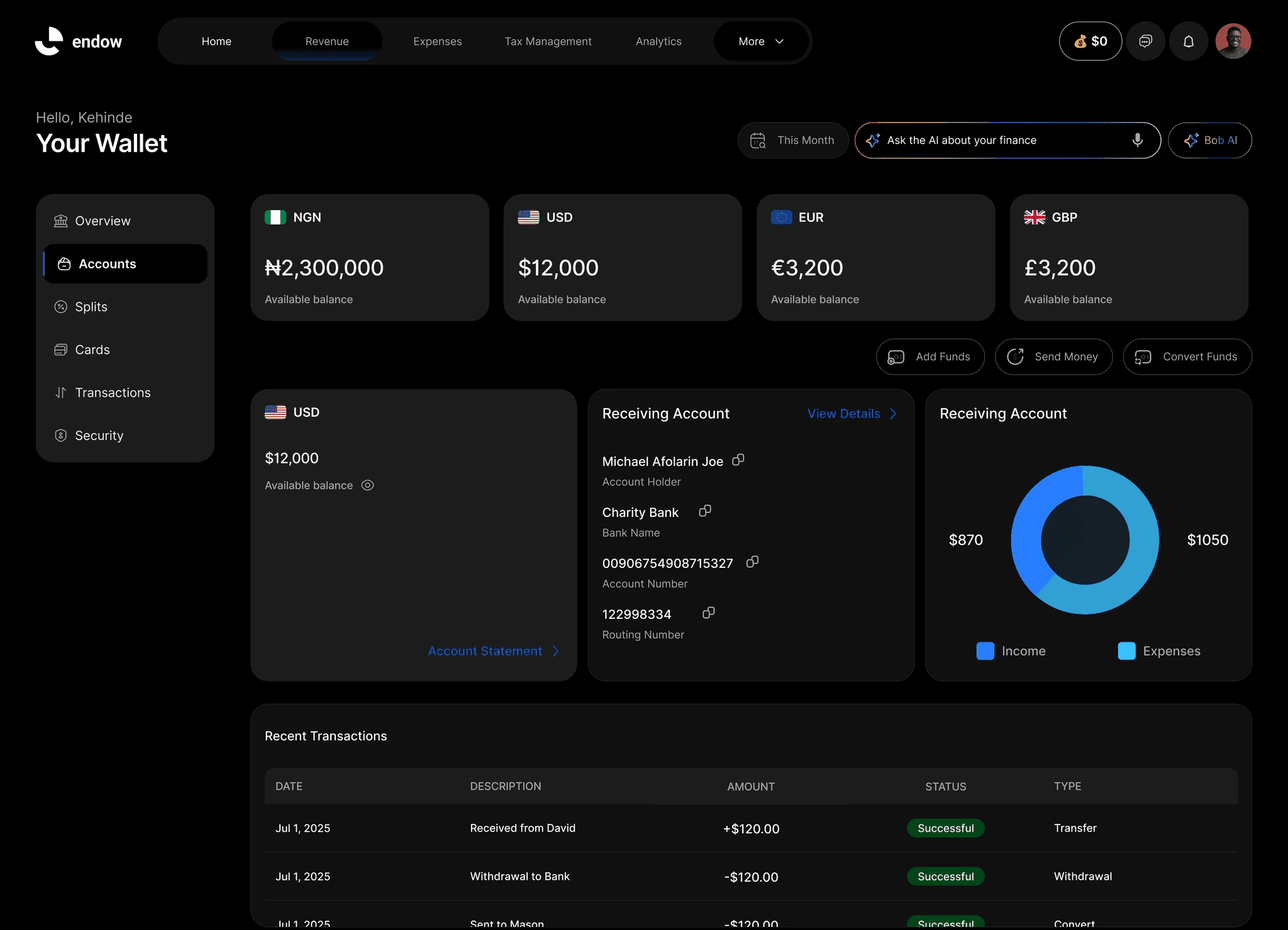
An invoice on Endow gives you two payment paths:
Endow Wallet — payment lands directly in your Endow wallet, same as a payment link.
External bank account — you can specify a personal or business account at the point of creating the invoice, useful when a client's payment process requires a traditional bank transfer rather than a platform checkout.
That second option doesn't exist on a payment link. If a client's finance team insists on wiring funds to a named bank account rather than an online link, the invoice is the only tool built for that.
A Quick Decision Test
Ask yourself three questions before you send anything:
Does the client need a document for their own records? Yes, send an invoice. No, send a link.
Is the amount fixed and agreed, or does the payer choose it? Payer chooses, always a link (specifically a Support/Tip link). Fixed and itemized, either works, move to question three.
Does this need a payment deadline tracked separately from the transaction itself? Yes, invoice. No, link.
Most transactions resolve themselves after the first question alone.
A Realistic Scenario
You do freelance copywriting. A follower on Instagram DMs you asking to buy a caption template pack for a fixed price, that's a payment link, sent in seconds, no formality needed.
The same week, a mid-size brand hires you for a three-week content project with milestone payments. That's an invoice, itemized by milestone, with a deadline attached to each one, and the option to route payment to your business bank account if their accounts team requires it.
Same creator, same platform, two completely different tools, because the transactions themselves are different.
You Don't Have to Choose Just Once
Most creators end up using both, regularly, depending on who they're dealing with that week. The goal isn't picking a favorite. It's matching the tool to the transaction so you're never the reason a payment gets delayed.
Endow supports both from the same dashboard, so switching between them doesn't mean switching platforms or re-entering your payment details each time.
Frequently Asked Questions
Can I convert a payment link into an invoice later if a client asks for one? You can create a separate invoice for the same transaction. They're generated independently, so it's a quick manual step rather than an automatic conversion.
Do invoices cost more to send than payment links? No, both are part of the same Endow toolset with no separate fee for choosing one over the other.
Can I track whether an invoice has been paid? Yes, Endow's invoicing system shows payment status, so you can see at a glance which invoices are outstanding.
What if a client wants to pay part now and the rest later? Structure it as milestone invoices rather than one invoice for the full amount, each with its own deadline.
Is a payment link less professional than an invoice? Not inherently, it depends entirely on context. A link sent for a quick social sale is completely appropriate. It's only a mismatch when the client actually needed formal documentation and didn't get it.
Send the Right One, Every Time
Stop defaulting to whichever tool you used last. Match it to the transaction instead.
Set up payment links and invoicing on Endow and handle both from the same place, without juggling separate tools for different clients.
Related Content